
<p><a href="https://aws.amazon.com/s3/features/tables/">Amazon S3 Tables</a> now support all data types in the Apache Iceberg V3 specification. You can create V3 tables or upgrade existing V2 tables to take advantage of <a href="https://iceberg.apache.org/spec/#version-3-extended-types-and-capabilities">V3 features</a> like deletion vectors, row lineage, and new data types such as variant, nanosecond timestamps, unknown, geometry, and geography.</p>
<p>Apache Iceberg has become the open standard for managing large analytics datasets. It lets you manage petabyte-scale tables with features like schema evolution, hidden partitioning, and time travel queries, while keeping your data in open Parquet files in data lakes on object storage like <a href="https://aws.amazon.com/s3/">Amazon S3</a>. Amazon S3 Tables offer storage purpose-built to keep Iceberg tables performant and cost-effective as they grow, with fully managed features like automatic compaction, maintenance, replication, and Intelligent-Tiering.</p>
<p>Teams running analytics on Apache Iceberg V2 tables often hit the same limits as their data grows. A compliance request to delete 50,000 user records from a 2-billion-row table leaves behind positional delete files that slow queries until compaction runs. Semi-structured events land as JSON strings that every query has to parse. Geospatial coordinates and nanosecond-precision timestamps get encoded as strings or integers. Each workaround adds storage cost, query latency, and pipeline code. With V3, Iceberg solves these challenges by offering native support for semi-structured and geospatial data, faster row-level operations, and built-in row lineage for data governance.</p>
<p>Starting today, Amazon S3 Tables support all V3 data types, including variant, nanosecond timestamps, geometry, geography, and unknown, along with deletion vectors and row lineage. You can create new V3 tables or upgrade existing V2 tables in place, and S3 Tables continue to run compaction and maintenance for you.</p>
<p><strong><u>Apache Iceberg V3</u></strong>
<br>
V3 is the latest version of the <a href="https://iceberg.apache.org/spec/#version-3-extended-types-and-capabilities">Iceberg specification</a>. Among its many improvements, V3 introduces capabilities that address the most common pain points in V2. This includes:</p>
<p><strong>Deletion vectors</strong> replace V2’s positional delete files with a compact binary format. That 50,000-row compliance delete now writes a single deletion vector file instead of thousands of small deletes, significantly reducing compaction time and delete file overhead.</p>
<p><strong>Row lineage</strong> adds <code>_row_id</code> and <code>_last_updated_sequence_number</code> to each record automatically. Your downstream pipelines can query these fields to find changed rows without scanning the full table.</p>
<p><strong>New data types</strong> let you store semi-structured, geospatial, and nanosecond-precision data natively instead of encoding it as strings or integers:</p>
<ul>
<li><strong>Nanosecond timestamp(tz)</strong> for nanosecond-precision timestamps</li>
<li><strong>Geometry</strong> and <strong>geography</strong> for geospatial data</li>
<li><strong>Unknown</strong> for columns with no known type</li>
</ul>
<p><strong>Variant data type</strong> stores semi-structured data in columnar format. During writes, the engine shreds variant data into hidden columns and collects statistics. At query time, those statistics enable file pruning that significantly reduces I/O compared to parsing JSON strings.</p>
<p>The following sections walk through how to use these V3 capabilities in practice, with examples that show how to create tables, work with the new data types, and manage data at scale.</p>
<p><strong><u>Getting started</u></strong>
<br>
A retail analytics team tracks user behavior across web and mobile apps. Each event has a different structure: page views include URLs and duration, purchases include items and amounts, and searches include query terms and result counts. With V3’s variant type, you store all event shapes in one table without predefined schemas:</p>
<pre class="lang-sql"><code>CREATE TABLE my_catalog.namespace.clickstream (
event_id bigint,
event_time timestamp,
user_id string,
payload variant
)
USING iceberg
TBLPROPERTIES ('format-version' = '3')
</code></pre>
<p>Insert events with different payload shapes without worrying about schema evolution:</p>
<pre class="lang-sql"><code>INSERT INTO my_catalog.namespace.clickstream VALUES
(1, current_timestamp(), 'user-42',
PARSE_JSON('{"action": "purchase", "amount": 99.99, "items": ["laptop_stand"]}')),
(2, current_timestamp(), 'user-17',
PARSE_JSON('{"action": "page_view", "url": "/products/webcam", "duration_ms": 4200}'));
</code></pre>
<p>Now query the variant column directly, without <code>PARSE_JSON</code> at read time. With Amazon EMR Spark, use <code>variant_get</code>:</p>
<pre class="lang-sql"><code>SELECT
event_id,
user_id,
variant_get(payload, '$.action', 'string') AS action,
variant_get(payload, '$.amount', 'double') AS amount
FROM my_catalog.namespace.clickstream
WHERE variant_get(payload, '$.action', 'string') = 'purchase'
AND variant_get(payload, '$.amount', 'double') > 50.00
</code></pre>
<p>To enable deletion vectors for write operations, configure merge-on-read mode:</p>
<pre class="lang-sql"><code>ALTER TABLE my_catalog.namespace.clickstream
SET TBLPROPERTIES (
'write.delete.mode' = 'merge-on-read',
'write.update.mode' = 'merge-on-read',
'write.merge.mode' = 'merge-on-read'
)
</code></pre>
<p>Now when you run a compliance delete, V3 writes a small deletion vector instead of rewriting data files:</p>
<pre class="lang-sql"><code>DELETE FROM my_catalog.namespace.clickstream
WHERE user_id = 'user-42'
</code></pre>
<p>S3 Tables compaction handles these deletion vector files automatically on the next maintenance cycle.</p>
<p><strong>Upgrading from V2</strong>
<br>
AWS provides backwards compatibility for both versions to minimize disruption during migration to V3. Existing V2 readers continue to work on upgraded tables until you’re ready to fully adopt V3 features. For more details, see the <a href="https://docs.aws.amazon.com/AmazonS3/latest/userguide/working-with-apache-iceberg-v3.html">S3 Tables Iceberg V3 documentation</a>.
<br>
Upgrade an existing table atomically without rewriting data:</p>
<pre class="lang-sql"><code>ALTER TABLE my_catalog.namespace.existing_table
SET TBLPROPERTIES ('format-version' = '3')
</code></pre>
<p>On the next compaction cycle, S3 Tables remove old V2 delete files. New modifications use deletion vectors automatically. Row lineage fields initialize on the first data modification after the upgrade.</p>
<p>This is a one-way operation. The Apache Iceberg specification does not support downgrading from V3 to V2. Verify that all engines accessing the table support V3 before upgrading.</p>
<p><strong>Using row lineage for incremental pipelines</strong>
<br>
After your table has V3 data, use row lineage to build efficient incremental pipelines:</p>
<pre class="lang-sql"><code>SELECT *, _row_id, _last_updated_sequence_number
FROM my_catalog.namespace.clickstream
WHERE _last_updated_sequence_number > 42
</code></pre>
<p>This returns only rows modified after sequence number 42. Your downstream jobs can checkpoint this value and process only new changes on each run, instead of scanning the full table.</p>
<p><strong>Compatibility across AWS analytics services</strong>
<br>
AWS offers the broadest native Apache Iceberg support of any major cloud provider, with Iceberg-compatible services at every layer of the data stack: ingestion, storage, catalog, and analytics. You can store and automatically optimize V3 tables in Amazon S3 Tables, write data with <a href="https://aws.amazon.com/emr/">Amazon EMR</a> Spark, integrate and manage data with <a href="https://aws.amazon.com/blogs/aws/aws-glue-6-0-now-available-with-30-lower-price-and-full-apache-iceberg-v3-support/">AWS Glue</a>, and run analytics with <a href="https://aws.amazon.com/redshift/">Amazon Redshift</a>. To learn more about AWS analytics support for V3, see the <a href="https://docs.aws.amazon.com/prescriptive-guidance/latest/apache-iceberg-on-aws/table-spec-v3.html">Apache Iceberg on AWS prescriptive guidance</a>.</p>
<p>Both S3 Tables and <a href="https://aws.amazon.com/glue/">AWS Glue</a> Data Catalog support the Iceberg REST Catalog (IRC) API, enabling interoperability across engines regardless of the catalog endpoint.</p>
<p><strong>Things to know</strong></p>
<ul>
<li>S3 Tables compaction fully supports V3 deletion vector files and preserves row lineage metadata.</li>
<li>The new V3 data types (variant, nanosecond timestamps, geometry, geography, and unknown) require an engine built on Apache Spark 4.0 or later, such as AWS Glue 6.0 or later, or Amazon EMR release 8.1 or later.</li>
<li>You can create V3 tables from the <a href="https://console.aws.amazon.com/s3/">Amazon S3 console</a>, <a href="https://docs.aws.amazon.com/cli/latest/reference/s3tables/">AWS CLI</a>, or any engine that supports the Iceberg REST Catalog API.</li>
<li>The new V3 data types are supported only for tables that use the Parquet file format (not ORC or Avro).</li>
<li>Columns of type variant, geometry, geography, or nanosecond timestamp can’t be included in a table’s sort order for compaction. Tables containing these columns still compact under the sort and Z-order strategies when the sort order uses columns of other types.</li>
</ul>
<p><strong><u>Now available</u></strong>
<br>
Amazon S3 Tables support for all Apache Iceberg V3 data types is now available in all AWS Regions where S3 Tables are supported. Apache Iceberg V3 support is available at no additional charge; standard S3 Tables pricing applies.</p>
<p>To get started, visit the <a href="https://docs.aws.amazon.com/AmazonS3/latest/userguide/s3-tables.html">Amazon S3 Tables documentation</a> or create a table bucket from the <a href="https://console.aws.amazon.com/s3/">Amazon S3 console</a>. If you want to call APIs, search documentation, find regional availability, and check troubleshooting about this feature, try using the <a href="https://docs.aws.amazon.com/agent-toolkit/latest/userguide/getting-started-aws-mcp-server.html">AWS MCP Server</a> and <a href="https://docs.aws.amazon.com/agent-toolkit/latest/userguide/plugins.html">plugins</a> with your preferred AI tool. Send feedback to <a href="https://repost.aws/tags/TADSTjraA0Q4-a1dxk6eUYaw/amazon-simple-storage-service">AWS re:Post</a> or through your usual <a href="https://aws.amazon.com/support/">AWS Support</a> contacts.</p>
<p>– Daniel Abib</p>
Amazon S3 Tables now support all Apache Iceberg V3 data types
From the official release
This is a short excerpt. Read the full announcement on the official source.
Continue on aws.amazon.com → (opens in a new window)Related stories
Ring Announces Smart Lock, Expands 4K Camera Lineup, and Introduces New Pan-Tilt 2K Indoor Camera
Ring BlogRing
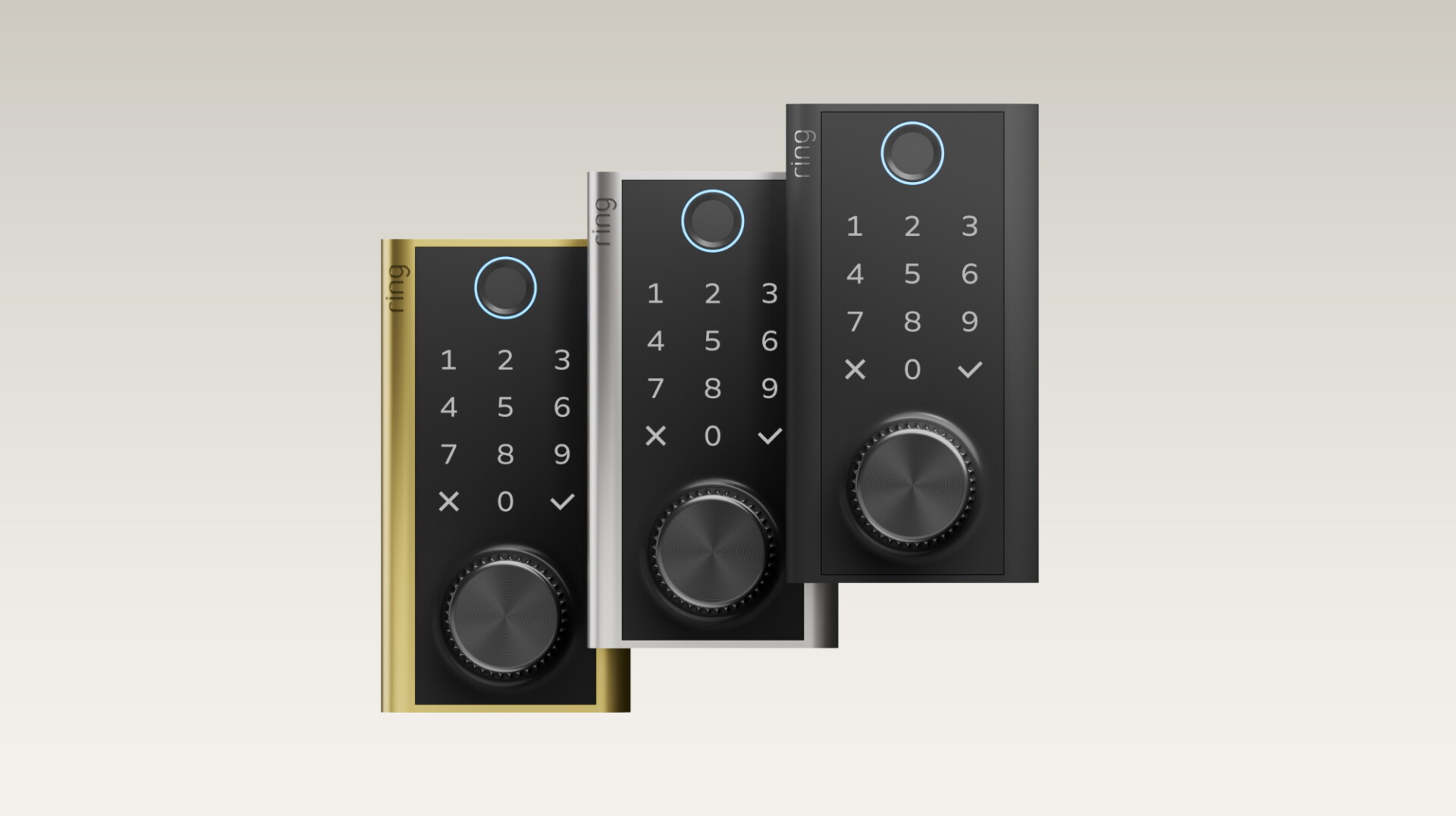
Big things are happening at Ring, as we announce our first-ever smart lock with a battery you can recharge by hand, an expanded Retinal Vision 4K camera lineup, and an all-new Pan-Tilt Indoor Cam 2K. From the front door to every corner of your home, we’re giving you more ways to

AWS Security Hub now exports findings to S3 in CSV or JSON format
AWS What’s New
Today, AWS Security Hub announces support for exporting findings to Amazon S3 in CSV or JSON (OCSF) format. Security teams that need findings outside the console for use cases such as compliance reporting and audit evidence can now export findings from every findings page in the
DigitalOcean MicroVMs: Fast, isolated compute for your AI agent infrastructure
DigitalOcean Blog
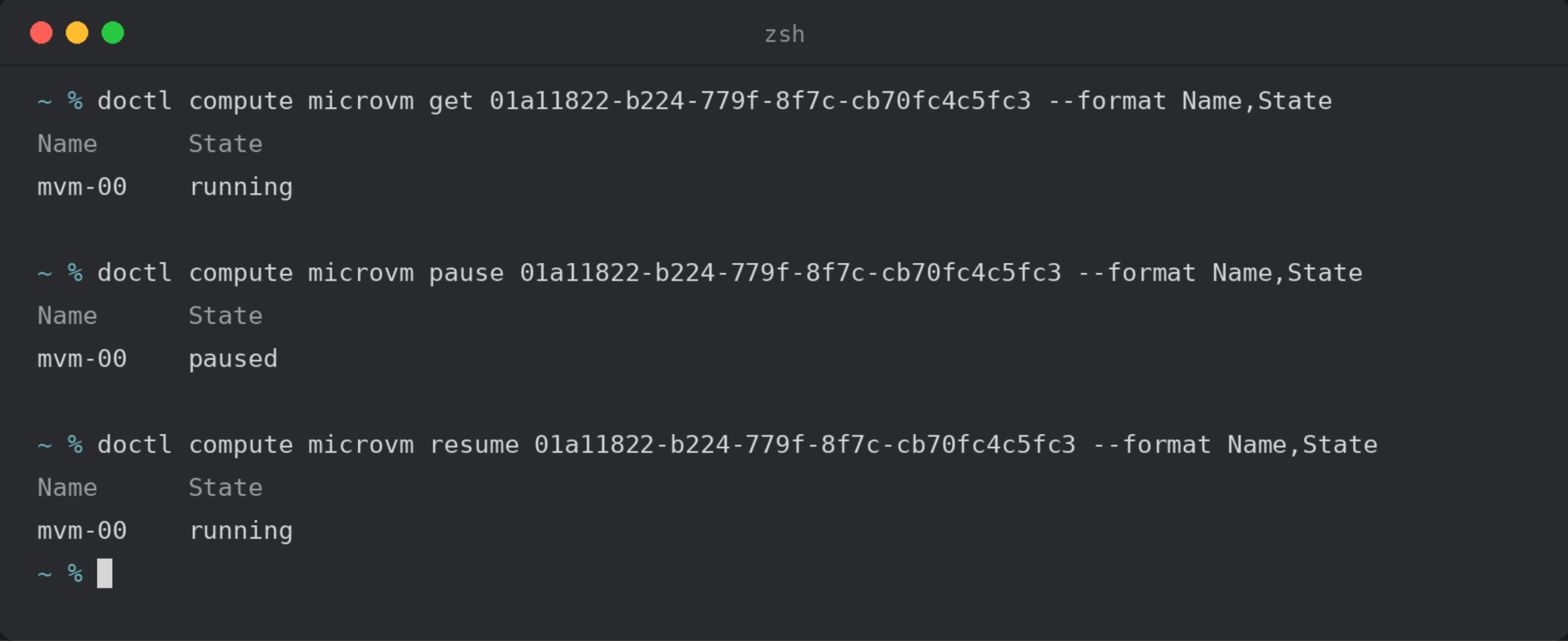
Coding-agent platforms, sandbox products, and code-execution services all need the same thing: isolated machines that start up fast, retain their state between bursts of work, and don’t consume compute when idle. If you build it yourself, you’ll have to lease compute capacity and
Amazon EC2 R8gd instances are now available in additional regions
AWS What’s New
Amazon Elastic Compute Cloud (Amazon EC2) R8gd instances are available in AWS European Sovereign Cloud (Germany) region. These instances feature up to 11.4 TB of local NVMe-based SSD block-level storage and are powered by AWS Graviton4 processors, delivering up to 30% better perf
Amazon EC2 R8g instances now available in additional regions
AWS What’s New
Starting today, Amazon Elastic Compute Cloud (Amazon EC2) R8g instances are available in the AWS European Sovereign Cloud (Germany) region. These instances are powered by AWS Graviton4 processors and deliver up to 30% better performance compared to AWS Graviton3-based instances.

Hack the World: Why hackathons are still the best place to learn to build
GitHub BlogEd Summers
Someone bursts through the door and announces, “There’s pizza!” Nearby, a team has duct tape and cardboard holding its prototype together. Another is debugging a model that won’t detect their movements. This is a common scene during hackathons, and for a lot of people they’re the