
Official announcementArlo BlogDavid Roberts
Getting the Most Out of Your Motion Detection Cameras
Key takeaways Motion detection relies on both Passive Infrared and Pixel Based, Frame-by-Frame analysis to work under a variety of lighting conditions. Once a camera detects motion, it sends an alert to your mobile device through a connected app. Prioritizing entryway placement,
- Motion detection relies on both Passive Infrared and Pixel Based, Frame-by-Frame analysis to work under a variety of lighting conditions. Once a camera detects motion, it sends an alert to your mobile device through a connected app.
- Prioritizing entryway placement, managing sensitivity settings, and customizing Smart Activity Zones can help you improve the accuracy of your motion sensor camera’s detection capabilities.
Motion detection is the first line of defense for many home security systems. But how does it work? And how can you make it work better for you? Read on to find out.
How does motion detection work?
A security camera with motion detection like the Arlo Essential typically relies on a combination of technologies to determine whether an object is moving within the frame.
First, there’s Passive Infrared (PIR). PIR detects changes in heat within the environment. If a person or animal wanders into the camera’s field of view, PIR will spot the change in temperature and trigger an alert.
While PIR is great for pointing out living objects, it can’t detect everything. That’s why it often pairs with Pixel Based, Frame-by-Frame motion detection. This technology uses powerful algorithms to analyze changes between frames to determine whether objects are in motion.
If your motion sensor camera detects a moving object within the frame, it then sends an alert to your security app so you can react within the moment.
Why should I use motion detection?
- Only capture the most important events: Running a camera all day can run down its battery and fill up storage fast. If you set your cameras to run only when they detect movement, you’ll still be able to capture potential emergencies while optimizing longevity and performance.
- Automatically trigger other security features: Motion sensor cameras work with security apps like Arlo Secure to automatically react when they detect suspicious objects. Receive instant notifications to your phone or automatically trigger sound-based alarms to ward off potential intruders with little to no manual intervention.
- Get enhanced detection with AI-powered algorithms: Current motion detection technology combines with powerful software tools like Arlo Intelligence to provide smarter, more effective coverage and notifications.
How to get the most out of your smart security cameras
What’s more important: Battery life or detection speed?
Managing battery life and motion sensor camera performance is a delicate balance. If you set your cameras to only activate when they detect movement, there can sometimes be a recording delay as they wake up from sleep mode. You can counteract this delay by turning on 24/7 continuous recording, but then you need to worry about how long your batteries last.
Deciding how to tackle this problem requires understanding what your security needs are and what’s most important to achieving them. If always-on protection is crucial, you can mitigate battery life issues by opting for long-lasting cameras like the Arlo Pro 6 XL, which can go almost a year between charges with normal use.
Dial in your sensitivity settings
Another way to improve motion detection performance is to stay on top of your sensitivity settings. If your cameras are too sensitive, they’ll trigger a lot of false positives. If they aren’t sensitive enough, they won’t detect anything at all. Go into your security camera app settings and tweak the motion detection sensitivity until it works the way you want it to.
Focus on entryways and blind spots
Most burglars enter a home through the front door, a first-floor window, or the back door. Placing motion sensor cameras in these areas will help you track any suspicious activity near these critical areas and alert you if anyone gets too close for comfort.
In addition to these crucial entry points, consider placing a security camera with motion detection in any spot lacking line of sight. Sides of your house or yard, walkways, areas behind sheds or other outdoor structures, and spots with lots of trees or bushes create spaces for intruders to hide in and sneak around. Be sure to consider these potential security blind spots when planning your coverage.
Set activity zones
Not all movement is worth detecting. Many security apps, like Arlo Secure, include the ability to customize activity zones within each camera’s feed. Arlo Secure’s Activity Zones use AI-powered algorithmic analysis and detection. Simply highlight the most important areas to track, and your cameras will detect and notify you when anything enters within range while ignoring the rest.
For example, if you have a flag swaying near your front door, you won’t want that to trigger your motion sensor camera every time the wind blows. Simply set up an activity zone to cover the areas around it, and it won’t get picked up by your camera’s detection system.
Pair with motion-activated lights for increased visibility
Motion detection isn’t just for your camera feed. You can set up floodlights to activate when they detect movement, too. They’ll keep guests safe as they arrive outside your house at night, and they’ll keep potential intruders at bay by warning them that they’re being recorded on a vibrant 2K color video feed.
Power up your motion detection cameras
If you want to get more out of your smart security cameras, you need Arlo Secure. You’ll get customizable Activity Zones that allow you to dial in detection capabilities to your exact specifications. And when combined with our Early Warning System, Arlo Secure can instantly notify you when it detects movement, sound, people, cars, and even fires nearby. You’ll also get instant access to 60 days of video archives and Priority Care, direct from the experts at Arlo.
If you need the ultimate in coverage, upgrade to Arlo Secure Premium. You get 24/7 Emergency Response, Professional Monitoring, and Continuous Video Recording for up to three cameras, so you’ll always be covered without missing a single moment.
Transform your security grid into a powerful deterrent against a number of potential threats. Sign up for Arlo Secure today.
Shop Arlo Secure Plans
Frequently asked questions
Why is motion detection not working properly?
Passive Infrared and Pixel-Based motion detection technologies must be calibrated and optimally placed in order to function properly. Camera angles, obstructions, sensitivity settings, low battery power, and unstable Wi-Fi connections can significantly impact how well your cameras are able to detect motion. Be sure to consult your security camera’s product manual for ways you can improve how well these sensors work on your property.
Does motion detection work at night?
Yes. Since Passive Infrared detects heat, it doesn’t require direct visual confirmation to detect motion. And if you have a spotlight available for your camera, Pixel-Based sensors can also detect and record movement, even at night.
Can I use motion detection without a subscription?
Of course! Arlo cameras can detect movement and send notifications to your mobile device with or without a subscription. With Arlo Secure, you can unlock additional detection features, customizable Activity Zones, and even 24/7 Continuous Video Recording.
The post Getting the Most Out of Your Motion Detection Cameras appeared first on Arlo Blog: Security Camera Tips.
Related stories

Official announcement
Call of Duty: Modern Warfare 4: The Story So Far
Xbox WireMike Nelson, XBOX Wire Editor
The post Call of Duty: Modern Warfare 4: The Story So Far appeared first on XBOX Wire .
Official announcement
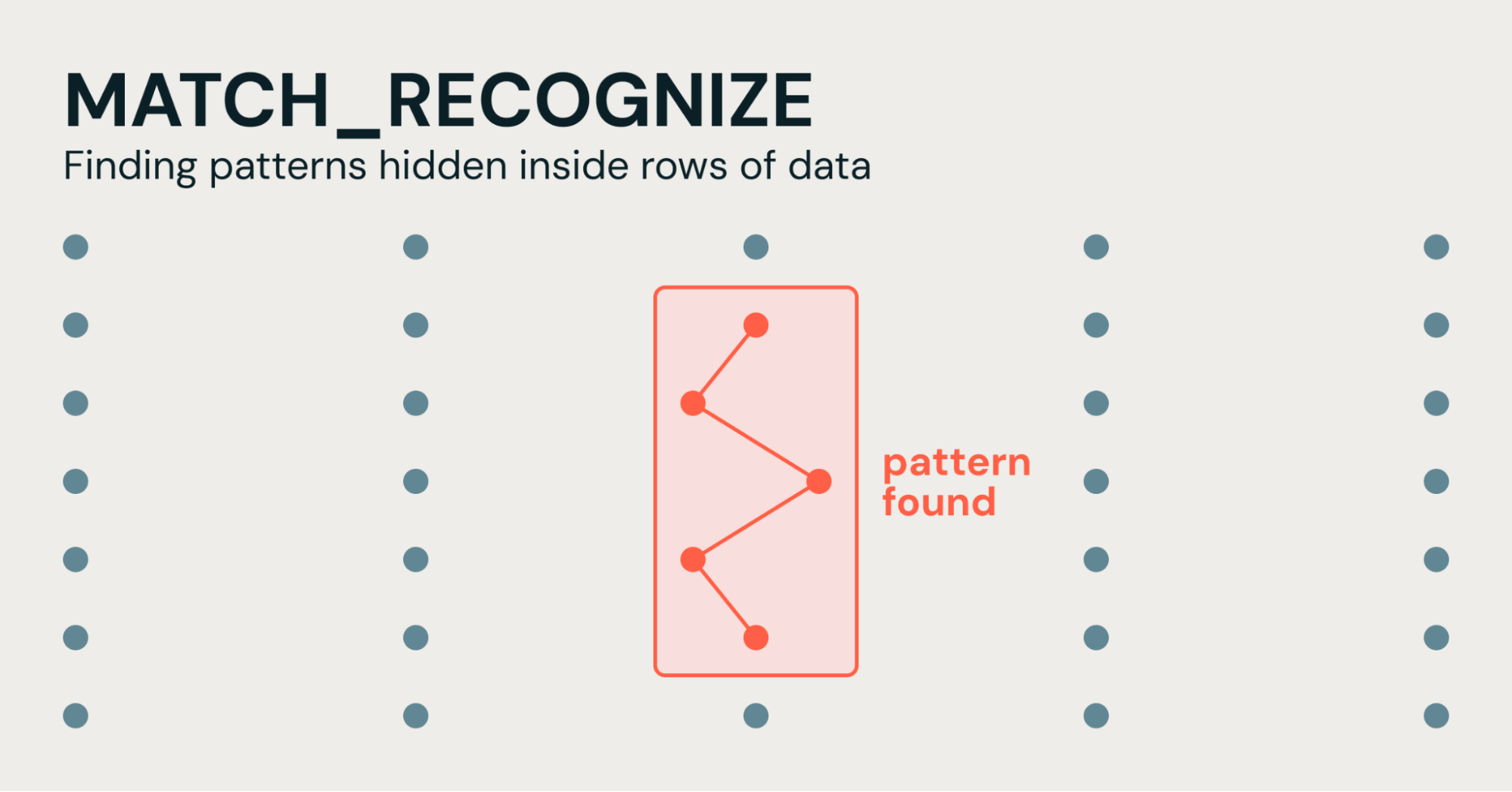
"Regex for Rows": Simplifying Pattern Detection in SQL with MATCH_RECOGNIZE
Databricks Blog
Imagine you work in cybersecurity and you have a table that tracks login attempts...

Official announcement
A Validated Path to Enterprise AI Governance with JFrog and Dell
Dell Blog
Build a governed AI software supply chain with JFrog, Dell AI Factory with NVIDIA, and Dell Automation Platform.

Official announcement
Two Texas Icons: How Dell Helps the San Antonio Stock Show & Rodeo Grow Its Mission
Dell Blog
The San Antonio Stock Show & Rodeo serves 20,000 Texas students a year. See how Dell Technologies keeps the event running and the mission growing.

Official announcement
Dell PowerStore AI Skills: Smarter Storage Operations
Dell Blog
See how AI skills with pstcli let admins manage Dell PowerStore in natural language – with faster health checks, performance analysis, and secure operations.

Official announcement
Sea of Thieves: Season 21, Talk Like a Pirate Day, New Rewards, Amazing Prizes and More!
Xbox WireJoe Skrebels, XBOX Wire Editor-in-Chief
Sea of Thieves : Season 21 is landing, and everyone’s welcome on the waves in time for Talk like a Pirate Day – we’re bringing new items, rewards, and sweepstakes for amazing prizes. And it all starts with a Free Play Weekend. From September 17 at 15:00 UTC (through to September