Running a dedicated Kubernetes cluster per team often results in more isolation than an organization requires. While one cluster can be successfully shared across many teams, the coordination costs increase as the number of teams grows. Challenges include conflicting CRD versions, overlapping RBAC, and no clean way to carve GPU capacity into team-level budgets. At a certain scale, teams might start asking for their own clusters just to regain autonomy.
Official announcementNVIDIA Developer Blog
How to Run Isolated Tenant Kubernetes Clusters on Shared GPU Infrastructure
הפעלת אשכול Kubernetes ייעודי לכל צוות מביאה לרוב לבידוד רב יותר ממה שארגון דורש. אמנם ניתן לשתף בהצלחה אשכול אחד... הפעלת אשכול Kubernetes ייעודי לכל צוות מביאה לרוב לבידוד רב יותר ממה שארגון דורש. בעוד אחד

This post provides a pattern that preserves team autonomy without splitting the hardware. This solution involves a single control plane cluster with a GPU pool, GPU sharing with per-team quotas, and isolated Kubernetes control plane per team including an API server, controller, data store, syncer, and scheduler. This can be achieved using two open source tools: KAI Scheduler and vCluster.
Follow along with the tutorial steps and you’ll have three teams running real GPU Kubernetes pods in their own tenant clusters, all sharing a single physical GPU. You’ll also be able to verify that each team only sees their own workloads.
Tutorial prerequisites and notes[](#tutorial_prerequisites_and_notes)
To keep the process reproducible for users that have limited resources, this tutorial uses a cluster with one NVIDIA L40S GPU and three teams sharing fractions of it. This makes the moving parts easy to see and try. The process works the same way on a larger cluster with hundreds of GPU nodes and dozens of teams. You can scale the node pool, the queue hierarchy, and the number of tenant clusters.
KAI Scheduler is a robust, efficient, and scalable topology-aware Kubernetes scheduler that was purpose-built for optimizing GPU resource allocation for AI workloads. It’s designed to manage large-scale GPU clusters, including thousands of nodes, and a high throughput of workloads. With KAI Scheduler, you can dynamically allocate GPU resources to workloads. It can run alongside the default kube-scheduler. Any pod with schedulerName: kai-scheduler is handled by KAI Scheduler. Everything else goes through the usual kube-scheduler process.
The vCluster Kubernetes platform provisions fully isolated tenant clusters on your infrastructure or directly on bare metal. Each tenant cluster gets its own API server, custom resource definitions (CRDs), and role-based access control (RBAC), indistinguishable from a dedicated Kubernetes cluster, while sharing the underlying nodes and hardware. The virtualized control plane is invisible to tenants: no shared control plane nodes, no in-cluster agent pods, and no lateral path between environments. That makes vCluster a natural fit for GPU infrastructure where teams need their own clean cluster experience without splitting the hardware.
The vCluster shared-nodes model is used for this tutorial, so teams share the GPU node while each gets its own isolated control plane, the right fit for trusted internal teams. For untrusted tenants needing node-, network-, and storage-level separation, the same pattern extends to vCluster private nodes.
The example in this post uses three teams: NLP Team, Vision Team, and Recommender System Team. The NLP Team wants to install their own CRDs. The Vision Team wants cluster-admin to debug scheduling. The Recommender Team is on a different Kubeflow version. Nobody wants to share a kubectl context and accidentally break one another’s environments.
Using vCluster, each team gets their own isolated control plane, RBAC, namespaces, and CRDs. They can each have cluster-admin access. Underneath, all tenant clusters share the same nodes and GPUs.
Demo environment[](#demo_environment)
This demo runs on an NVIDIA Brev GPU instance on Nebius with:
- One NVIDIA L40S, 40 vCPUs, 160 GiB RAM, 256 GiB disk (48 GB VRAM)
- Ubuntu 24.04.4 LTS
- MicroK8s v1.36.2 – Kubernetes was preconfigured by Brev, including the MicroK8s gpu addon, which pre-installs the NVIDIA GPU Operator into the gpu-operator-resources namespace
- KAI Scheduler v0.16.4
- vCluster CLI 0.35.1
Note: For different setups, the cluster-creation and GPU Operator install steps will differ on GKE/EKS/AKS/vanilla k8s/k3s. Step 3 (KAI Scheduler) onward is identical on any Kubernetes that has the NVIDIA GPU Operator running with Container Device Interface (CDI) enabled.
Figure 1. KAI Scheduler and vCluster architecture on a shared Nebius host cluster
Related stories

Official announcement
Giga-Scale AI and the Ethernet Evolution: How Spectrum-X Ethernet Rewrites the Rules
NVIDIA Developer Blog
The massive growth of generative AI has fundamentally altered data center design. As distributed model training scales to span hundreds of thousands of GPUs,... The massive growth of generative AI has fundamentally altered data center design. As distributed model training scales

Official announcement
How AI Coding Agents Can Unlock Materials Simulation with NVIDIA ALCHEMI Toolkit
NVIDIA Developer Blog
Atomistic simulation requires three things: knowledge of the science, compute-efficient implementation of simulations, and accessible interfaces to the... Atomistic simulation requires three things: knowledge of the science, compute-efficient implementation of simulations, and ac

Official announcement
How we saved 100 terabytes of memory by optimizing 1.1.1.1’s DNS cache
Sebastiaan Neuteboom
Big Pineapple , the platform behind 1.1.1.1 , Gateway DNS , DNS Firewall , AS112 , and several other Cloudflare DNS services, stores over 250 billion DNS cache entries at any given time. At that scale, wasting a single byte per entry costs more than 250 gigabytes of memory across
Official announcement
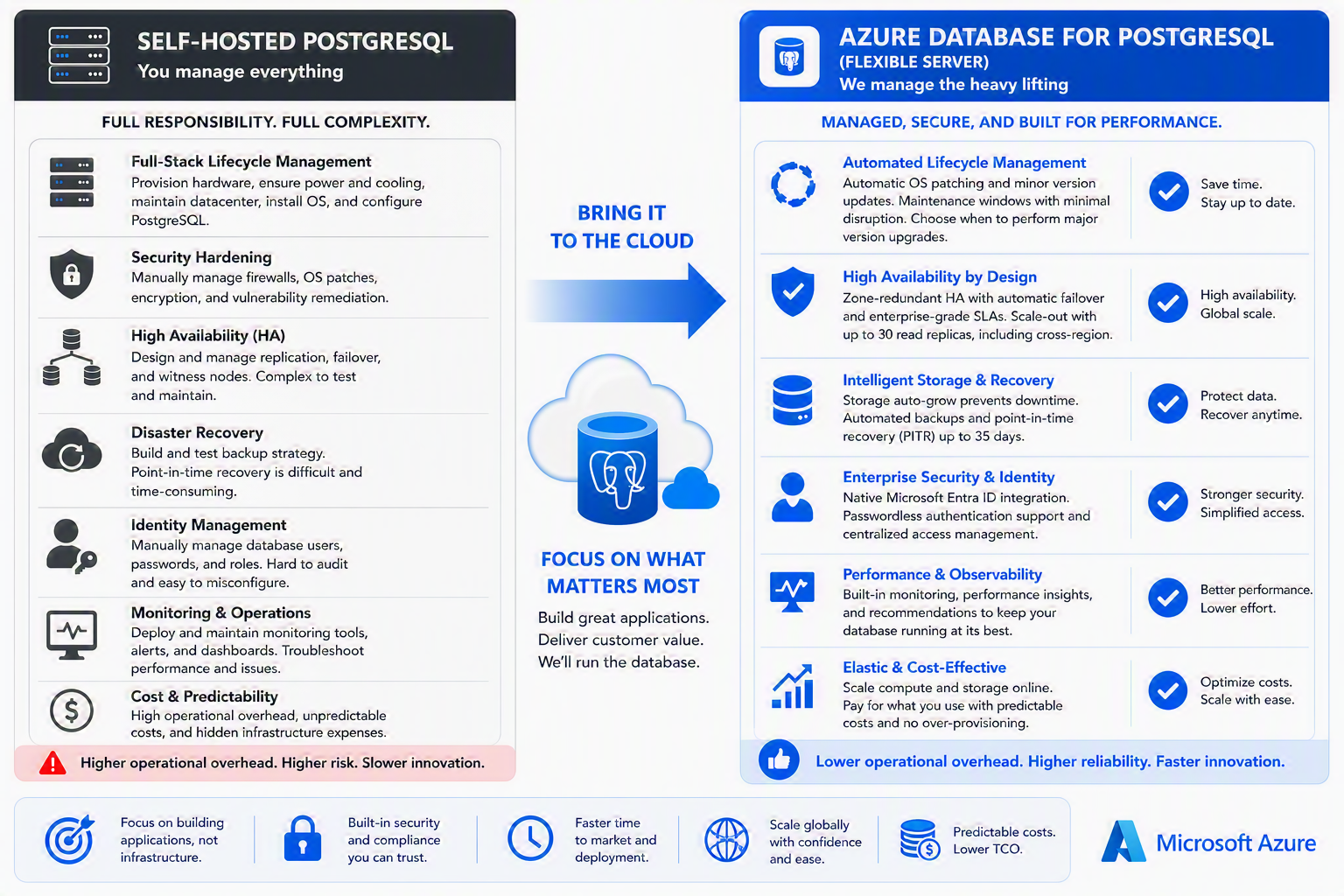
Managed PostgreSQL vs. self-hosted PostgreSQL: Key benefits and trade-offs
Lauro Ojeda
Summary This post is for technical decision makers evaluating where to run production PostgreSQL workloads. It compares two valid operating models—self-managed PostgreSQL and a managed database service—through business and operational outcomes: control, engineering capacity, resi

Official announcement
OpenClaw went viral. Meet the maintainers building and securing it.
Gregg Cochran
What began as a personal experiment quickly became a global open source project with extraordinary momentum. OpenClaw is a personal AI assistant that runs on users’ devices and connects with the messaging channels they already use. Started by Peter Steinberger as a weekend projec

Official announcement
IBM Brings AI-Powered US Open Fan Experience Back to Madison Square Park
IBM Newsroom
Join IBM for AI-powered tennis activations, live US Open match viewing, giveaways and more during Championship Weekend